Products with Button Cells: Include the Cell Data in the Freight File
Quick answer: Even small button cells should be listed in the shipment data when built into products or included as spares.
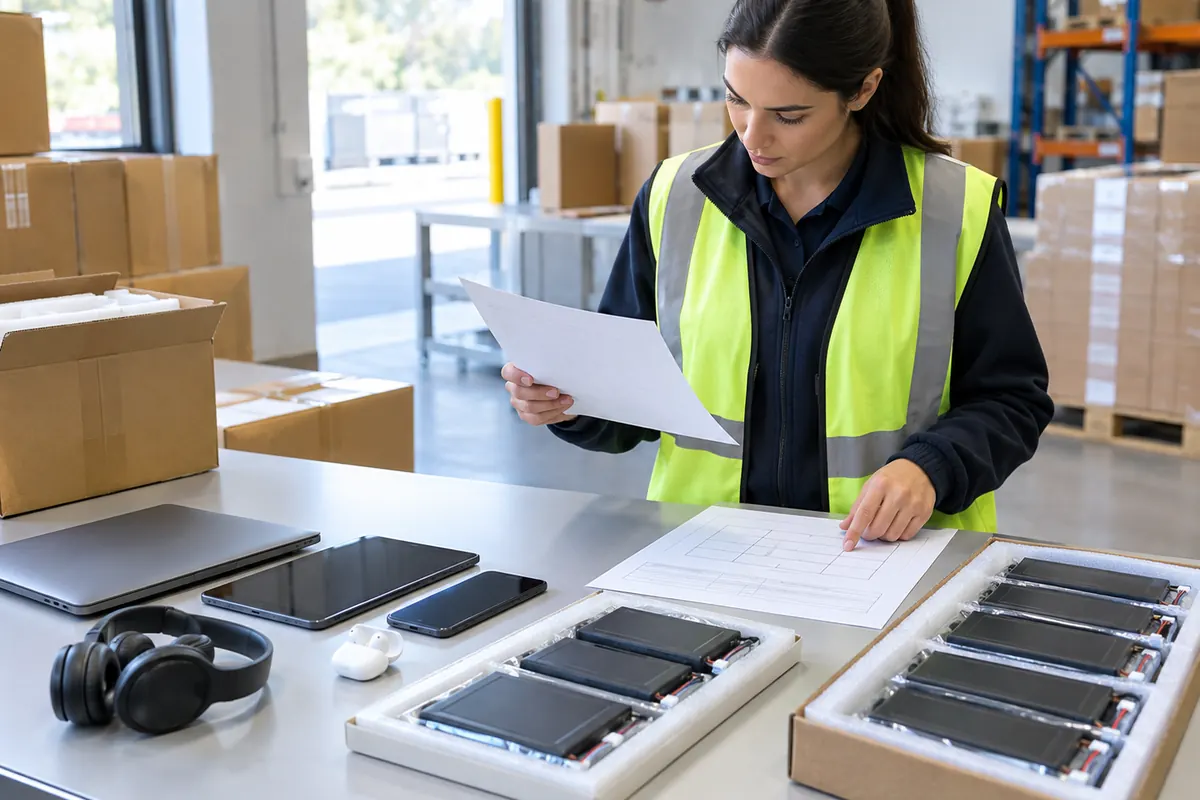
What makes this shipment different?
The device, installed cell and any loose replacement cell can have different packaging configurations. Identify cell chemistry and model from the supplier, then let the reviewer determine applicable transport requirements.
A practical review sequence
Ask for a component list and a photo of any spare battery packaging. Make the invoice and packing list consistent with what is physically inside the carton.
Prepare these details for a quote
- Device SKU
- cell model and chemistry
- installed vs spare status
- quantity per unit and carton
- cell documents
- photos
- gross weight and dimensions
- origin/destination.
Common question
Do small cells need a separate shipment?
That depends on cell type, quantity, package and route; get a carrier-specific review.
Request a shipment review
Send the exact product and model, origin, destination, packed dimensions, gross weight and cargo-ready date. For sensitive goods, attach matching product documents and final packing photos. ANELGO can review the request against current route availability; an inquiry is not a booking or carrier approval.
Request a freight quote ↗View the relevant service ↗Official references
Related guides
- Torch Lighters from China: Flame Type and Fuel Status for Freight Review
- Nicotine-Free Vape Devices: Check Import Status Before Freight
- Dried Flowers with Seed Heads or Pods: Import Checks Before Shipping
- Browse all shipping guides
Privacy notice · Contact ANELGO